 pupstay
Meet first.
Then book.
Two ways to find each other, one way to book. Every booking starts with a conversation and a meet-and-greet.
For dog owners
Post a job and let approved sitters apply, or browse approved sitters in your zip and send a request. Both lead to the same thread, the same meet-and-greet and the same booking.
- 01
Create your account and dog profile
Add each dog’s routine, feeding, temperament and medication notes, plus your home details. Your address and access notes stay private until a booking is paid.
- 02
Post a job or browse sitters
Post the dates and the care you need and let approved sitters apply, or browse approved sitters in your zip and send a request yourself.
- 03
Message in Pupstay
Ask questions in one thread. Phone numbers, emails and addresses are hidden until a booking is paid, which keeps everyone’s details safe.
- 04
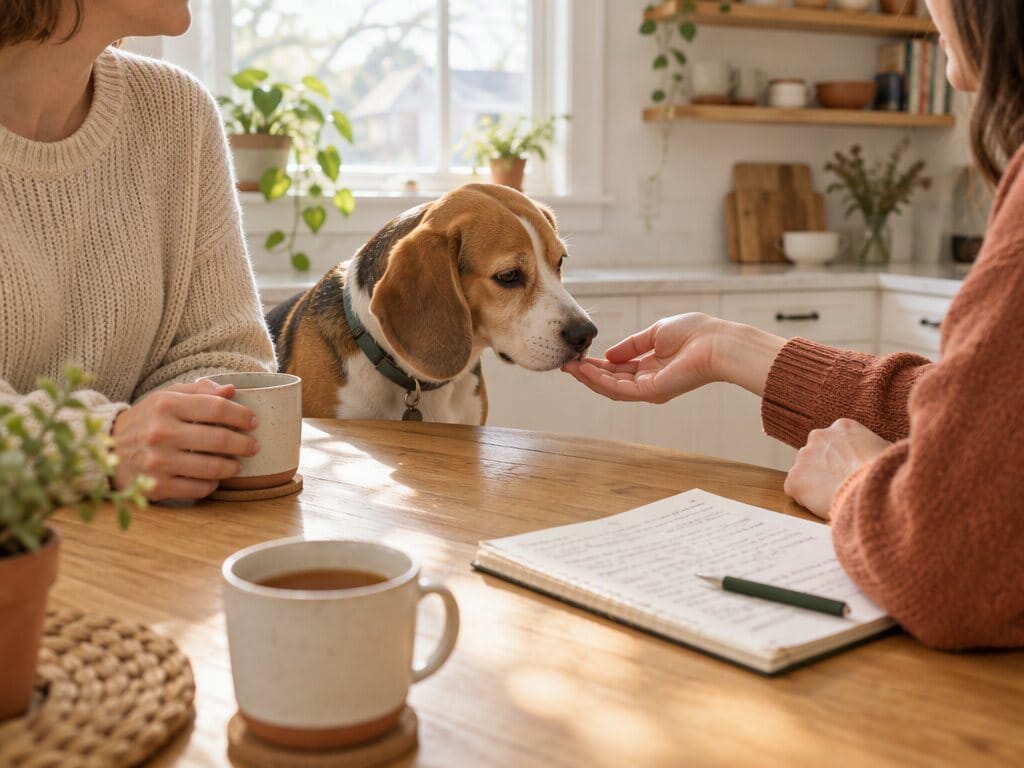
Meet-and-greet
Every booking starts with a meet-and-greet, by video or in person. Suggest up to three times, and both of you mark it done afterwards.
- 05
Book
The price comes from the sitter’s rate, and you see the full total before you book. Bookings that start within 48 hours are marked short notice.
- 06
The sitter reads your dog briefing
Before the booking is confirmed, your sitter reads and confirms a briefing built from your dog and home profiles.
Private until it’s booked
Phone numbers, emails, links and street addresses typed into messages are hidden until a booking is paid. Home access and alarm notes are released to the sitter only then.
The dog briefing
When a sitter accepts, Pupstay builds a briefing from your dog and home profiles: routine, feeding, temperament, medication notes and house rules. The sitter must read and confirm it.